Applied AI Tools for Scientific Programming
Scientific workflows: Tools and Tips 🛠️
2025-12-18
What is this lecture series?
📅 Every 3rd Thursday 🕓 4-5 p.m. 📍 Webex
- One topic from the world of scientific workflows
- Material provided online
- If you don’t want to miss a lecture subscribe to the mailing list
- For credit points: Send me a short message (Email or Webex)
Motivation
- Speed up repetitive tasks
- Learn new methods and languages
- Support debugging, documenting, refactoring, …
Today
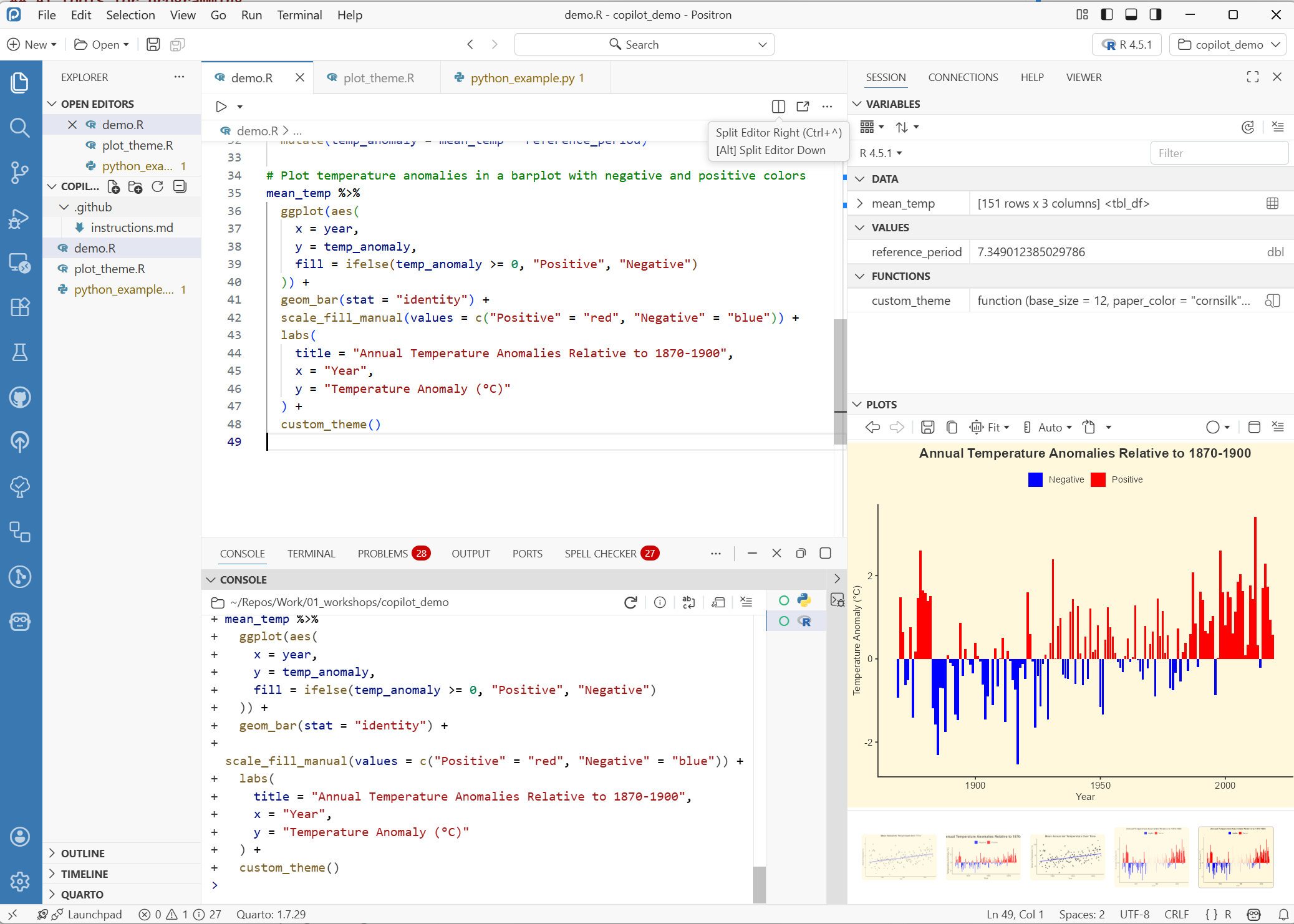
GitHub Copilot inside the IDE Positron
- How to use it
- Limitations and responsible use
Let’s get started
GitHub Copilot in Positron
GitHub Copilot
- Integrated and context-aware
- Standard tool for different environments
- Free for academics with an educational account
Positron
- General-purpose data science IDE
- Built by the same team behind RStudio
- Based on VS Code
- Complete GitHub Copilot integration
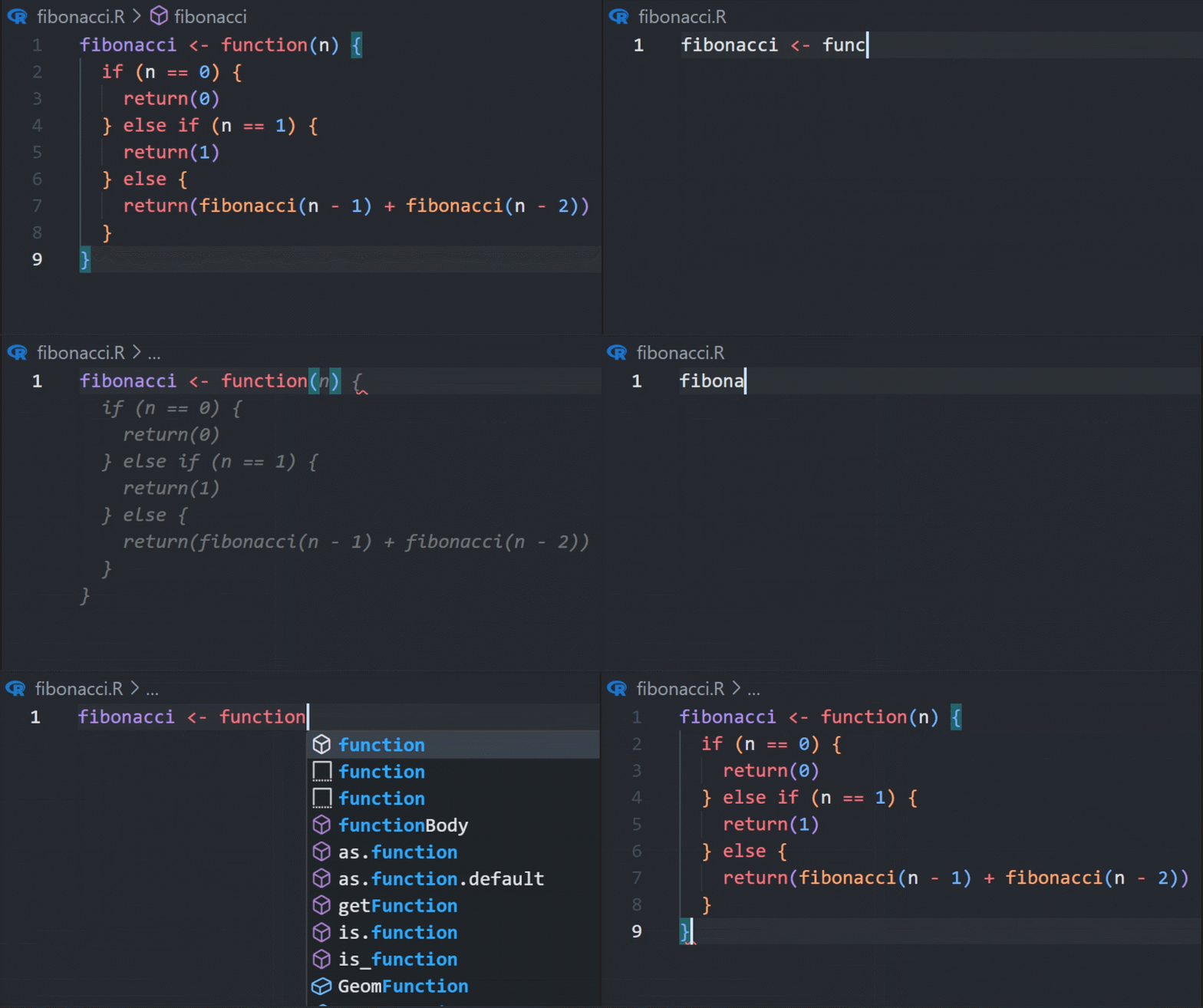
Code auto-complete
Copilot predicts what you want to write based on
- Current code
- Open files
- Comments
Get better suggestions
- Provide context
- Good comments and names for functions and variables
- Open other relevant files
- Adopt a good coding style
- GitHub Copilot will imitate your style
- Acceptance discipline
- Don’t auto-accept everything
- Modify suggestions if needed
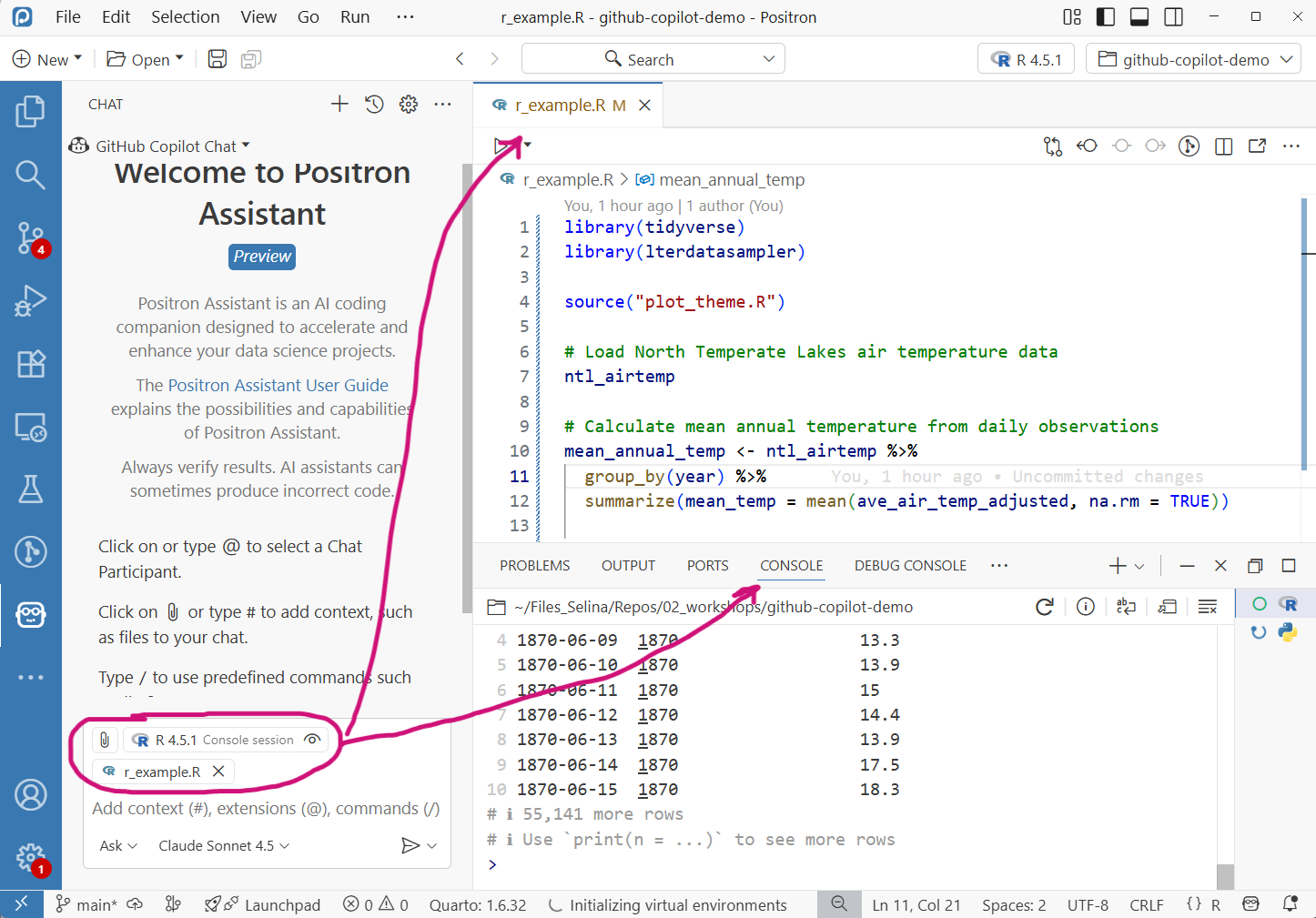
The default context
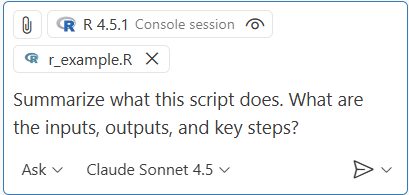
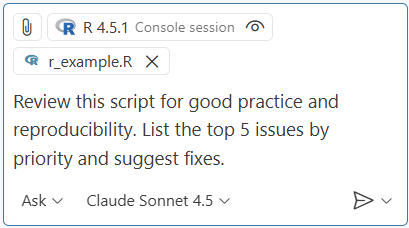
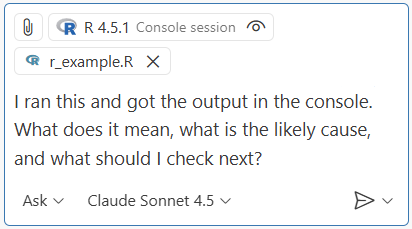
- Context is indicated at the top of the chat
- Default context: current file + console output
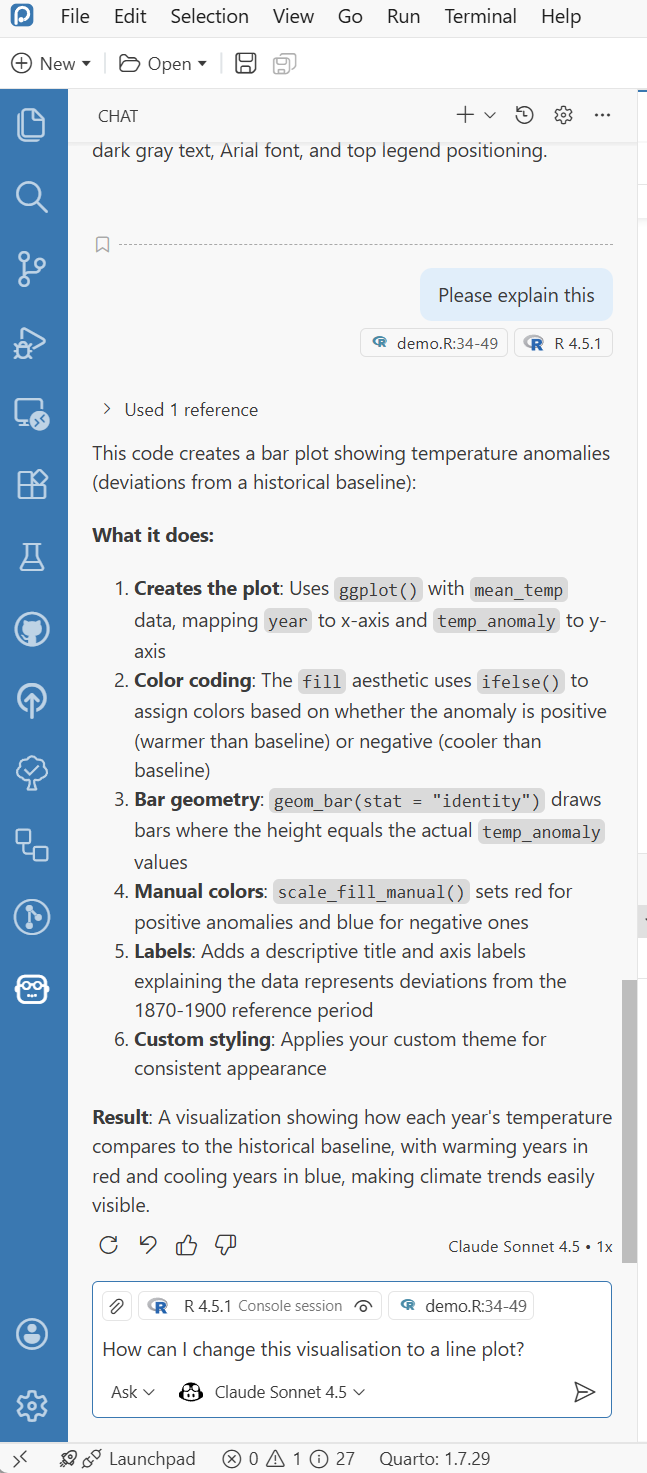
- If you highlight code, the highlighted code is added as context
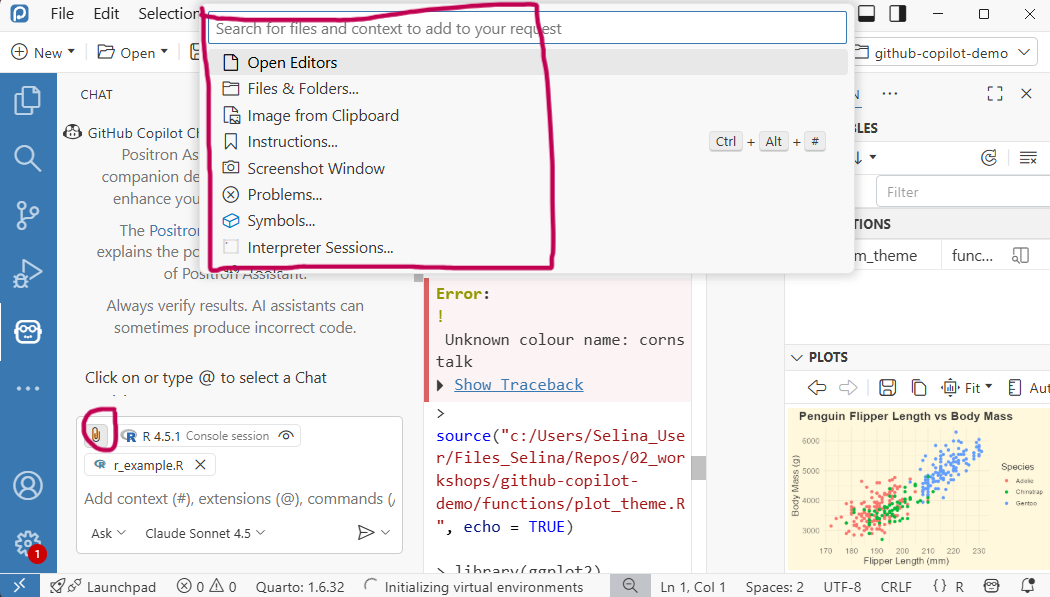
The “Add context” button
- Add other files and folders as context with the “Add context” button
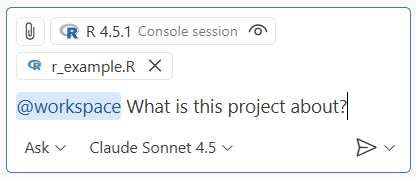
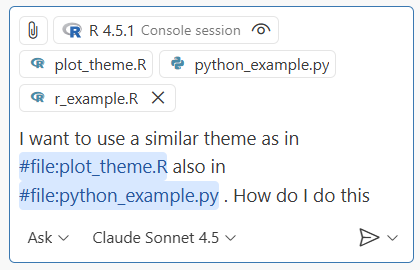
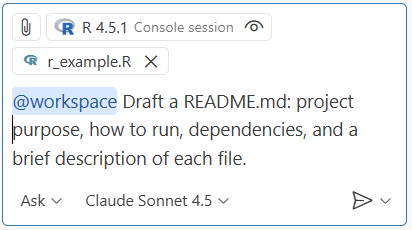
Use @, # or copy-paste
@workspace adds all files in the project
![]()
#file adds specific files to the context
![]()
You can also copy paste images (e.g. screenshots) as context in the chatbox
Advanced features
- Project-level instruction files
- Give instructions that apply to the whole project
- Special file in
/.github/instructions.md
- Agents: Automate multi-step workflows (use with care)
Limitations and risks
- Can suggest
- Outdated functions and code
- Patterns that are common but not best practice
- GitHub Copilot has no understanding
- Predicts plausible code not necessarily correct code
- Code can be subtly wrong or inappropriate
- Risk of over-reliance
Responsible use
- Don’t treat AI as an authority: review and double-check
- Use version control as a safety net: review and trace changes
- Privacy: Code, comments and console output may be shared with model providers
- Beware if you have sensitive data
- Check institutional and journal guidelines
- Transparency: Disclose your use of AI tools
- You are responsible for your scientific output
Conclusion
- GitHub Copilot can be a great assistant
- Support but not replace
Getting started
- Get GitHub Copilot for free with your educational GitHub account
- Install Positron
- Setup GitHub Copilot in Positron
Check out the lecture website for all relevant information
Thanks for your attention :)
Questions?